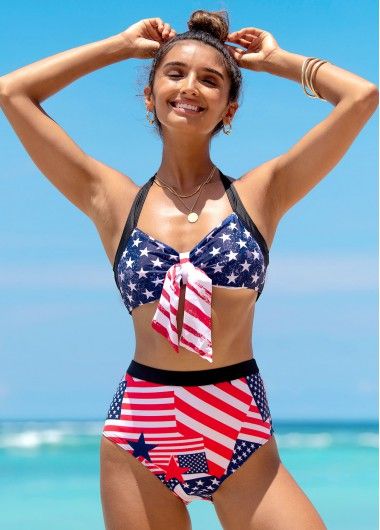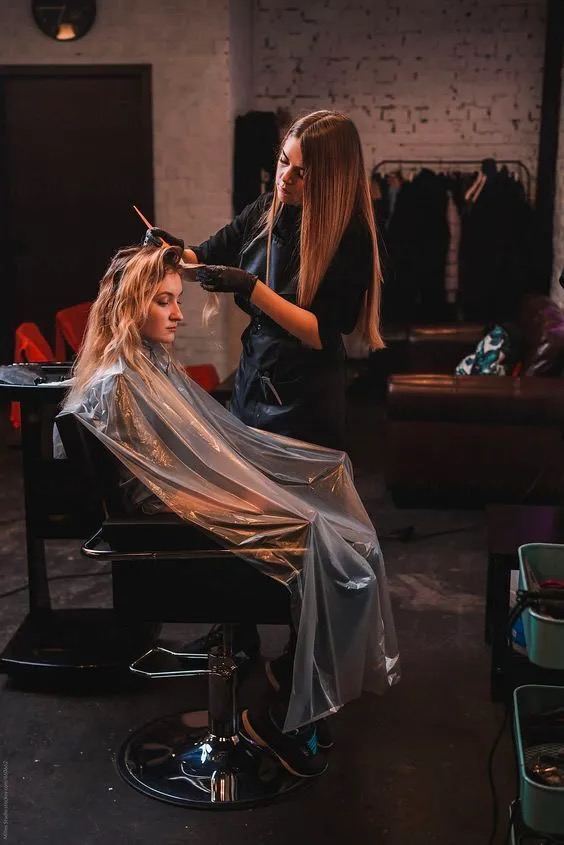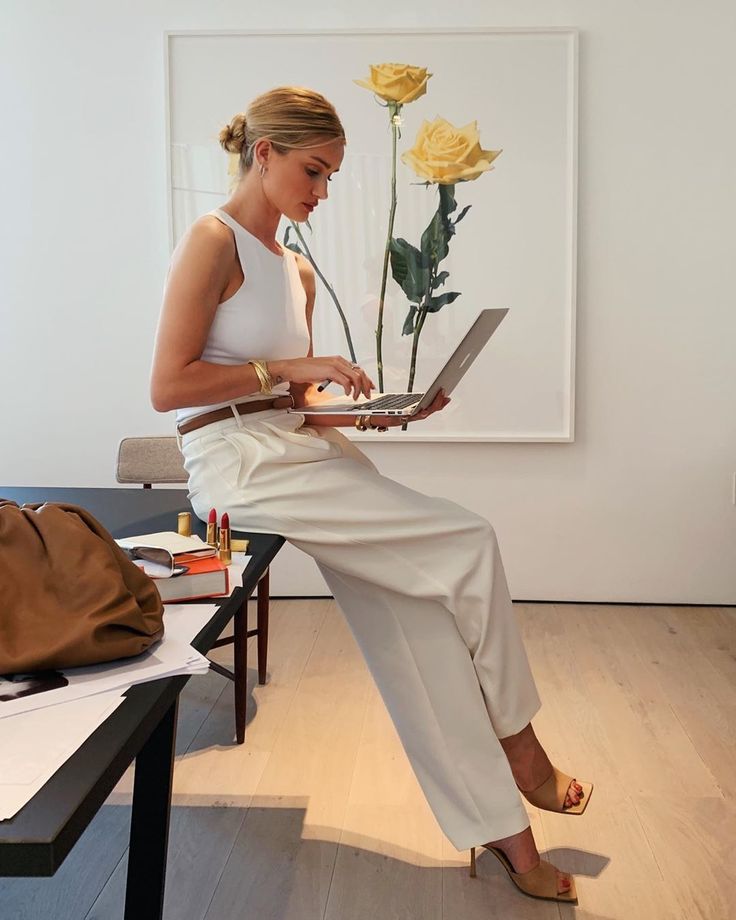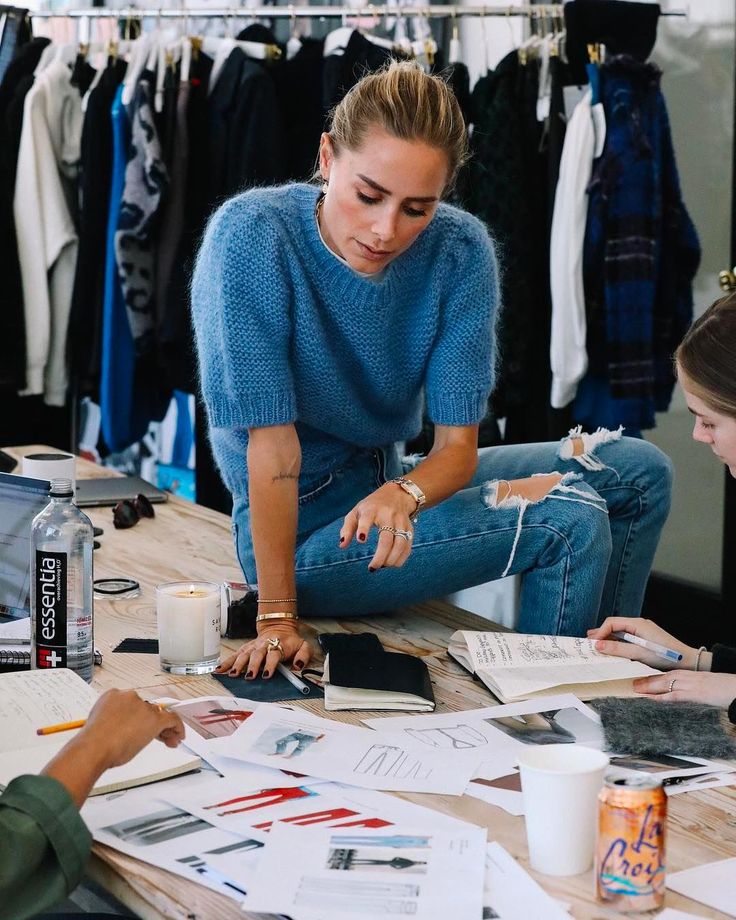
How to repeat the effect of such aesthetic blur in a couple of seconds
How to repeat the effect of such aesthetic blur in a couple of seconds:
– open the image in the Snapseed app,
– click «Tools» > «Double exposure»,
– select the same image,
– move the image slightly to create a Blur effect.